

We have all been there. You are miles offshore, the bite is on, and you see the blue lights of an FWC patrol boat approaching. The sudden panic hits. Is your paper license still in that wallet you left in the truck? Or did it turn to pulp in your pocket after that rogue wave an hour ago? For years, that flimsy piece of paper was a constant source of anxiety. Thankfully, those days are over. The Florida Fish and Wildlife Conservation Commission (FWC) has a modern system that puts your complete florida fishing license right on your phone, where it belongs.
The Modern Florida Fishing License System
This is not some third party app or a clever workaround. The FWC built a two part system designed for anglers on the move. The Go Outdoors Florida website is your home base for purchasing and managing your licenses. It is where you can easily see all your permits, add new ones like snook or lobster, and handle licenses for your entire family without fumbling on a small screen. Think of it as your main office for all things compliance.
The second part is the Fish|Hunt FL app, which acts as your digital wallet on the water. Once you log in, it pulls all your active licenses and permits directly from your Go Outdoors account. This brings up the most important question: is showing an officer your phone screen actually legal? The answer is an emphatic yes. Presenting your credentials within the official app is 100% legitimate and carries the exact same authority as a paper copy. This is the official method for carrying a digital fishing license Florida.
But the app is more than just a digital filing cabinet. It is a powerful tool you should consider essential gear. With it, you can check regulations for your target species on the fly, report your harvest as required for certain fish, and even access maps. It transforms your phone from a potential liability into a streamlined compliance tool.
For the seasoned angler who still trusts a flip phone more than a smartphone, the skepticism is understandable. We have all seen technology fail at the worst possible moment. However, when you combine the digital system with the proper backup strategies we will cover next, it becomes a far more reliable and failsafe approach than a single piece of paper ever could be. It is about having redundancy built into your process, so you can focus on fishing, not paperwork.
A Step-by-Step Guide to Your Digital License
Getting your digital license set up is straightforward. Think of this as a quick walkthrough before you head to the ramp. Follow these steps, and you will be ready for any on the water inspection. This is your practical Fish Hunt FL app guide to getting compliant.
- Purchase Your License on the Website
Start at the official Go Outdoors Florida website to buy your license. While you can purchase through the app, the website is easier for the initial setup. The larger screen makes it simple to review all your options, add necessary permits, and ensure all your personal information is correct. - Create Your Account
Your account is the key that links the website to the app. When you create it, use an email address you check regularly and choose a secure password you will not forget. This account is your permanent FWC identity, so treat it like any other important login. - Download the Official Fish|Hunt FL App
Head to your phone’s app store and search for “Fish|Hunt FL.” Be careful to download the official app from the FWC. There are sometimes copycat apps that can cause confusion. For Android users, you can find the correct app directly on the Google Play Store. - Sync Your Credentials
Open the app and log in using the exact same email and password you created on the Go Outdoors Florida website. The app will automatically connect to the FWC’s system and pull in all your currently active licenses and permits. You should see them populate in the app within seconds. - Verify Your Digital Credentials Before You Leave
This is the most critical step. Before you leave the dock, open the app and check everything. Is your name spelled correctly? Does the customer ID match your records? Do all your permits, especially snook and lobster, show as “Active”? This is the digital equivalent of checking your tackle and safety gear. Do not wait until you are being inspected to discover a mistake.
Failsafe Backups for Remote Waters
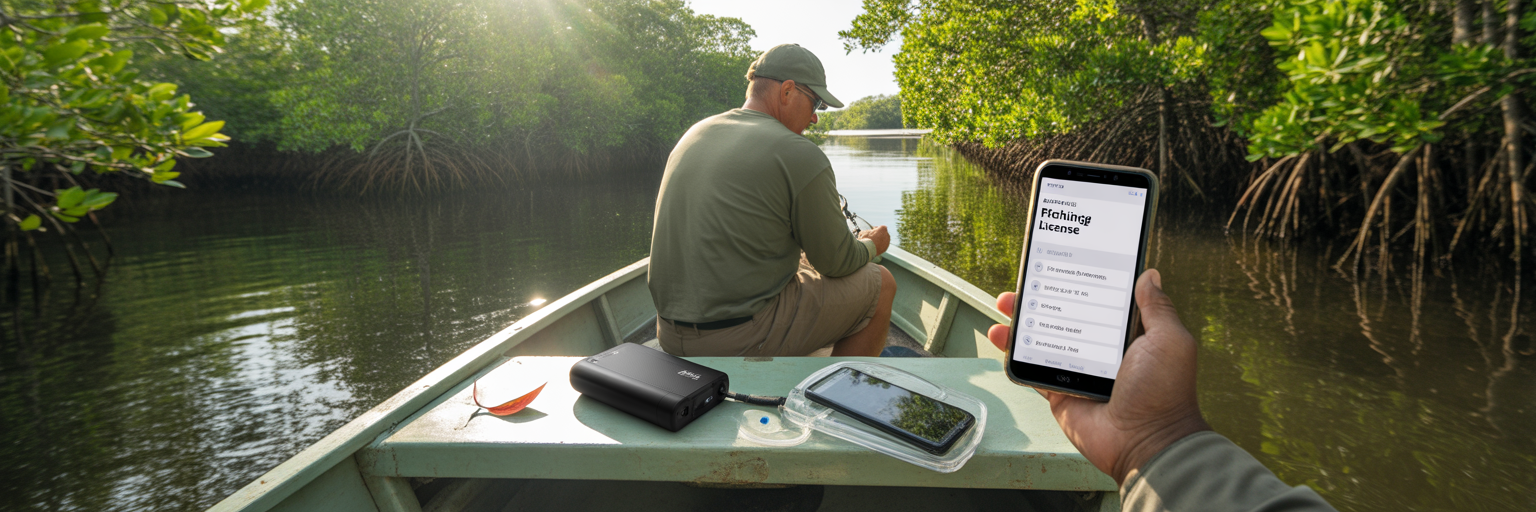
Imagine you are 50 miles out in the Gulf, deep in the Everglades backcountry, or poling a remote Mosquito Lagoon flat. In these places, cell service is a fantasy, and your phone is your only link to your license. While the Fish|Hunt FL app is designed to store your license for offline access, relying on it as your only option is a rookie mistake. Phones die, get dropped overboard, or decide to glitch at the worst possible time. An effective offshore fishing license backup strategy requires layers.
Your app is your primary method, but it should never be your only one. Here are two simple, effective backups every angler should have in place:
- Backup Method 1: The Screenshot
This is the fastest and easiest backup. Once your license is loaded in the app, take a clear screenshot of the page that shows your name, customer ID, and active permits. Save this image to a “Favorites” album in your phone’s photo gallery. This prevents you from frantically scrolling through thousands of fish pictures during an FWC check. - Backup Method 2: The PDF Receipt
When you purchase your license on the Go Outdoors Florida website, the FWC emails you a PDF copy. Do not just leave this in your inbox. Download the file directly to your phone’s local storage, often in the “Files” app. This creates a completely separate backup that is not dependent on the app or a network connection.
Beyond digital files, you need to think about power and protection. A dead phone makes every digital backup useless. Invest in a quality portable power bank with at least 10,000mAh capacity and keep it fully charged. Pair this with a reliable waterproof phone pouch or a small dry box. These items are not accessories. They are essential compliance gear, just as important as your PFD or flare gun.
| Method | How It Works | Pros | Cons |
|---|---|---|---|
| Fish|Hunt FL App (Offline) | App stores license data locally on your phone. | Official method; displays all permits clearly. | App can glitch; phone can die, be lost, or damaged. |
| License Screenshot | A saved image of your license screen. | Fastest access; no app needed; stored in photos. | Useless if phone is dead or lost; image could be deleted. |
| Downloaded PDF Receipt | The official PDF from your purchase email, saved to your phone’s files. | App-independent; a separate file for redundancy. | Requires finding the file; still useless if phone is dead or lost. |
| Power Bank & Waterproof Case | External battery and protective housing for your phone. | Keeps all digital methods alive and protected from elements. | Another piece of gear to carry and keep charged. |
The Pre-Departure Digital Checklist
A disciplined angler leaves nothing to chance. The same focus you put into checking your leaders and stocking your baitwell should be applied to your digital documents. Run through this checklist in your driveway or at the dock before you cast off lines. It is the best way to ensure your day is about catching fish, not dealing with fines.
- License and Permit Verification
Open the Fish|Hunt FL app or your backup screenshot. Do not just glance at it, read it carefully. Is your main saltwater license active? Crucially, are your species specific permits like Snook and Lobster valid for the current season? A quick check here prevents a season ending mistake. - Download Current Regulations
Your memory is not a reliable guide for fishing regulations. Seasons, size limits, and bag limits change. Use the Florida fishing regulations app (the Fish|Hunt FL app itself has a regulations section) to review the rules for your target species. Even better, download the latest official regulations PDF from the FWC website directly to your phone’s files for guaranteed offline access. This is non negotiable. - Differentiate State vs. Federal Rules
This is critical for anyone fishing offshore. Understand the state water boundaries: 9 nautical miles on the Gulf coast and 3 nautical miles on the Atlantic. Rules for key species like red snapper, gag grouper, and amberjack are often completely different in federal waters. Bookmark the Gulf Council (GMFMC) and South Atlantic Council (SAFMC) regulation websites on your phone’s browser. - Digitize Your Trip and Vessel Documents
Extend the digital wallet concept beyond your fishing license. Take clear, readable photos of your boat registration and insurance card. Save these images in the same “Favorites” album as your license screenshot. Now all your essential paperwork is in one easily accessible place. - File a Digital Float Plan
Ditch the old paper forms. The modern float plan is a detailed text message or email sent to a trusted person on shore. It must include the names of everyone on board, your departure point, your intended fishing area (be specific), and your estimated time back at the dock. It is fast, simple, and could save your life. - Final Device and Power Check
This is the last thing you do before untying the lines. Is your phone at 100%? Is your backup power bank also fully charged? Is your phone secured in its waterproof case? This final check confirms your entire system for how to store fishing license on phone is ready for a full day on the water.
On-the-Water Scenarios and Compliance
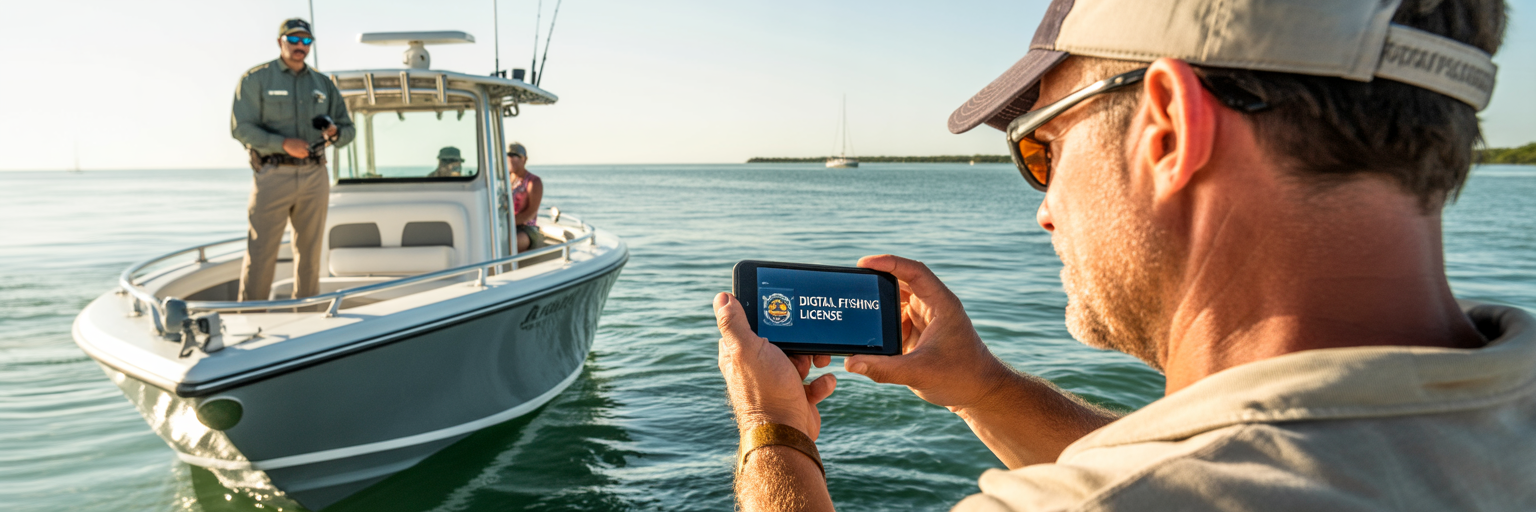
With your digital system in place, you can be confident on the water. A typical FWC inspection is professional and routine. When an officer pulls alongside, having your license ready on your phone screen or as a quick-to-access screenshot makes the interaction smooth and fast. It shows you are a prepared, respectful angler, and lets everyone get back to their day quickly.
But what about the big fear: your phone is dead, lost, or at the bottom of the channel? Be direct and honest with the officer. Yes, they can often look up your license using your name and date of birth. However, the law requires you to produce your license upon request. Relying on the officer to do the work for you is a last resort, not a plan. This is exactly why the backup power and file strategies are so critical. They demonstrate you took every reasonable step to remain compliant.
If you are fishing on a charter boat, the rules can be different. Most licensed captains carry a vessel license that covers their clients for most species. The key is to always confirm this when you book the trip. Never assume you are covered. For certain activities, like harvesting a red drum over the slot limit in a management zone, you may still need your own personal license and permit. When in doubt, ask the captain directly.
A specific note for visitors to Florida: short term, non resident licenses purchased from a tax collector’s office or an authorized agent like a tackle shop are an exception. These often cannot be managed through the app. If you are a tourist buying a 3 day or 7 day license, you will likely need to keep the paper or email receipt handy. For more answers to specific situations, the FWC maintains a helpful FAQ page.
Ultimately, managing your digital fishing license Florida is not about adding a technological headache. It is about using modern tools to be more prepared, efficient, and confident on the water. It is about eliminating one more variable so you can spend every possible minute focused on what matters: the fishing.